Pick the kind of event
Choose from networking, conference, workshop, pitch night, supper club and more. We fill in sensible suggestions, so a first event takes a couple of minutes.
How it works
Nect Me is a digital ID you carry in your phone's browser. There is nothing to download and nothing to learn. Here is exactly what happens, from the first scan to the follow-up.
For guests
Hosts put a QR code on the door, the screen or the table. Point your phone's camera at it and tap the link. You can also open a link someone sent you, and that counts too.
Sign in with Google in one tap, or ask for a sign-in link by email. There are no passwords to remember. Add your name, what you do and a photo if you like.
Choose up to three reasons, such as meeting people, hiring, looking for work or finding a co-founder. The room sees a combined picture, never who picked what.
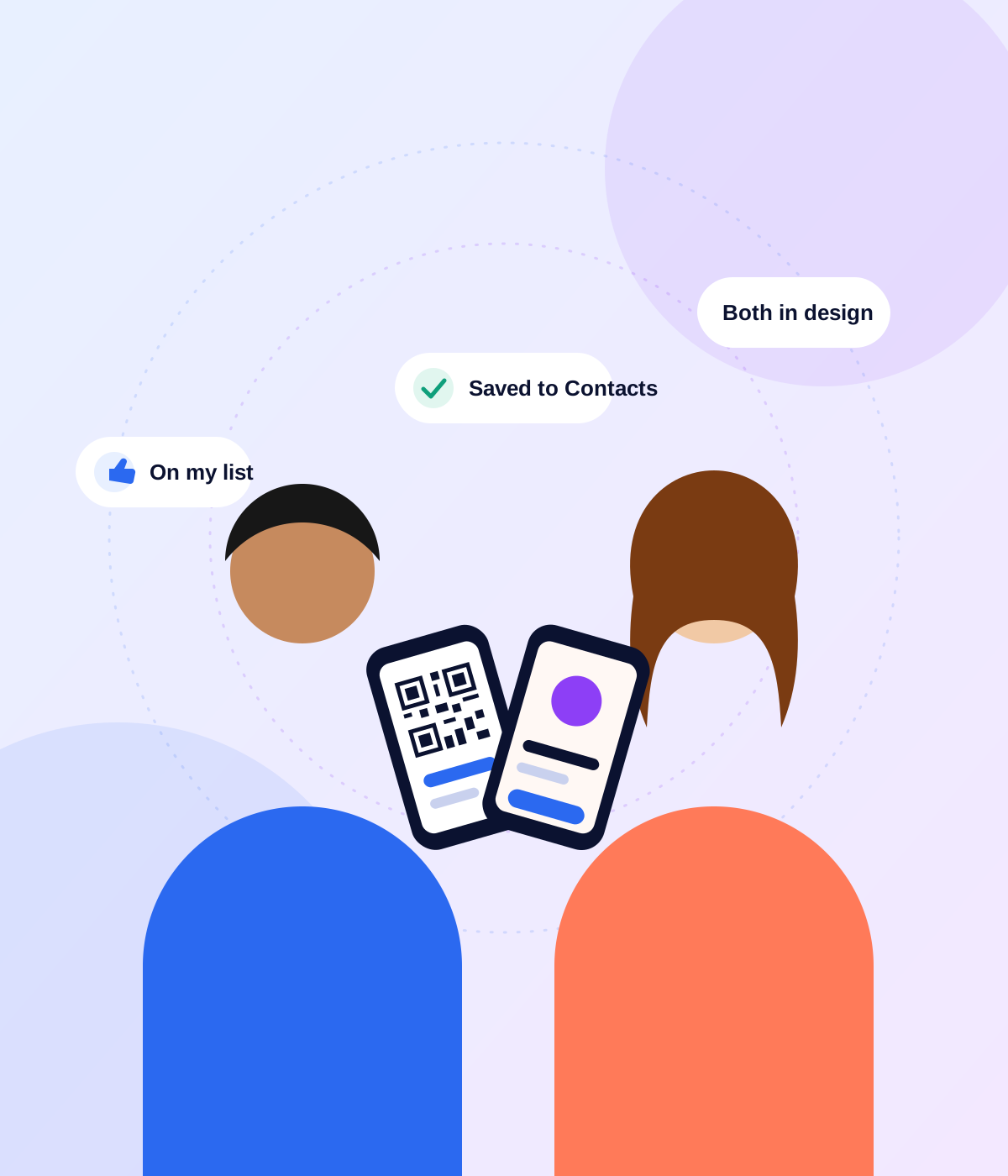
Show your QR, or scan someone else's. They can save you to their contacts in one tap, or give you a thumbs-up to add you to their list.
Your list stays with you after the event. Search it by industry, see where you met, and open anyone's full details when you need them.
Add to your list
When you meet someone you would like to remember, tap the thumb. They go on your list, and your list is private to you. It is not a social network, so there is no feed and no inbox. Nobody can message you through Nect Me.
For organisers
Hosting is free while we launch, and you do not need technical skills. We guide you through every step.
Choose from networking, conference, workshop, pitch night, supper club and more. We fill in sensible suggestions, so a first event takes a couple of minutes.
Date, time, venue, a short description and a cover image. We add a map with directions and give the event a clean, readable address.
Download a ready-made QR poster, or tag different spots (door, table, screen) so you can see which one brings people in.
See guests arrive, what they are looking for, which industries are in the room and when it peaks. All in plain graphs.
Invite your audience to the next event, a small group at a time. Guests who agreed to hear from you are in your audience automatically.
Download your guest list as a spreadsheet. Only guests who said yes to sharing their email are included with an address.
On your phone
Nect Me works in your browser, and it is better when it lives on your Home Screen.
It opens like an app, full screen, with its own icon. We show you how on your phone, step by step.
Saving someone opens your phone's own Contacts app, already filled in. It can include their LinkedIn, Instagram and Facebook too, if they shared them.
Quick answers
Yes. Scanning a QR code and opening the same link in a message, an email or a browser both take you to the event. Either way, you are in the right place.
No. You can sign in with Google, or ask for a sign-in link that we email you. The link expires after an hour, so a forgotten email is never a risk.
No. Nect Me has no messages and no feed. It helps you meet, remember and follow up in your own way, by email, phone or whichever app you choose.
That is the best time to start. The event builder asks for the basics, suggests a title and description for the kind of event you pick, and creates your QR code for you.
Make your ID now, or wait until you get to the door. Either way it takes about 30 seconds.