Maps and directions
An embedded map on your event page and a button that opens directions in the guest's own maps app.
For organisers
Most organisers lose touch with their guests the moment the doors close. Nect Me gives you an event page, a QR code, a live view of the room and a kind, careful way to invite people to your next one.
Never run an event before?
A short, friendly builder asks one thing at a time and fills in the rest. Most organisers are done in two or three minutes.
Networking, conference, workshop, pitch night, supper club, hackathon and more. We suggest a title and a one-line pitch you can change.
Pick a date and time, add the venue, and we add a map and a "get directions" button. Running it online? Paste your link instead.
Add a cover picture, a few lines about the evening, and your event gets a short, readable web address you can say out loud, not a string of random characters.
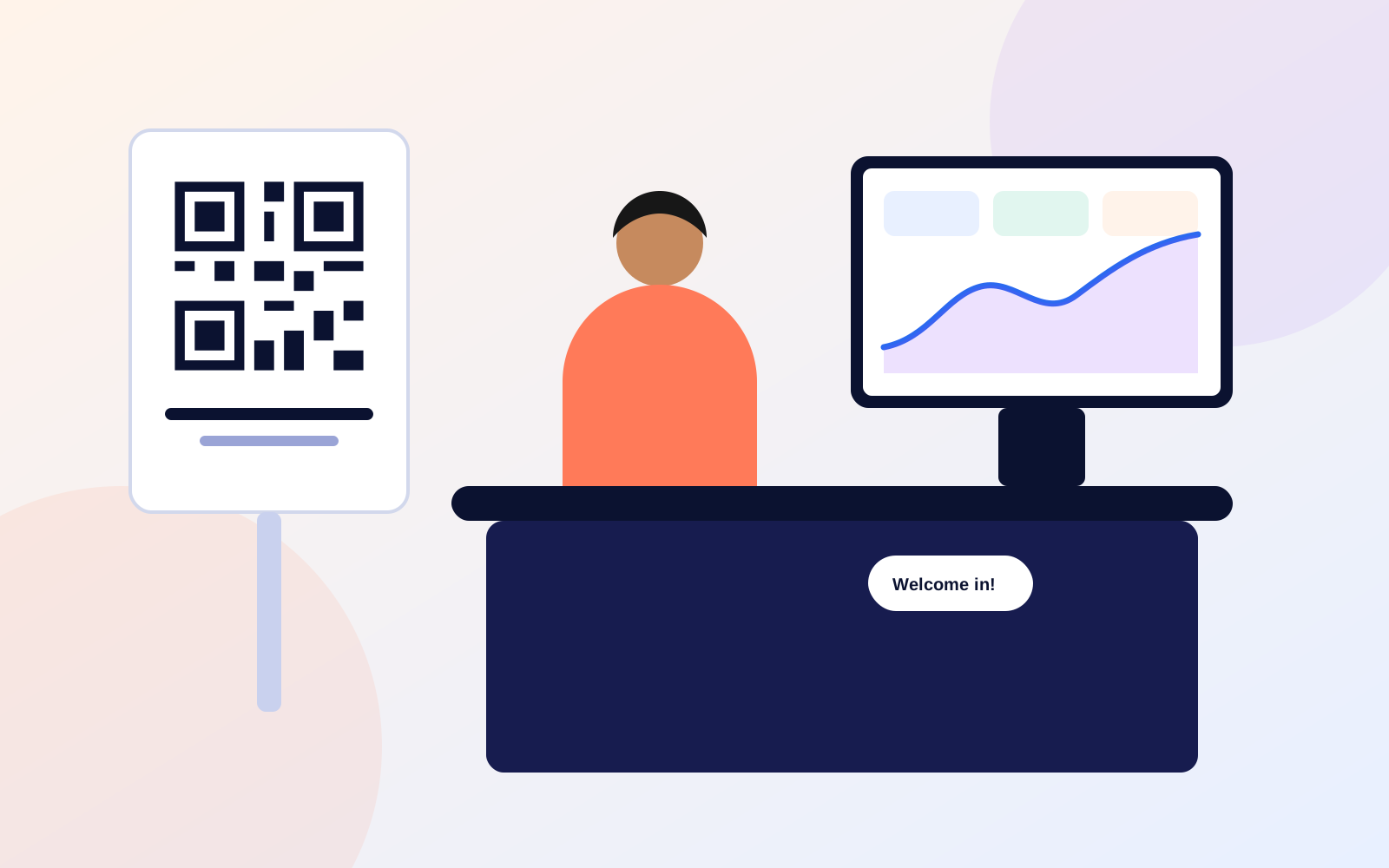
Print the poster, share the link, or put the QR on a screen. Guests scan, make an ID in about 30 seconds, and they are in.
Your dashboard
No spreadsheets, no jargon. Clear graphs that tell you what happened and what to do next.
Guests as they arrive, new faces versus returning ones, and the industries in the room.
Peak times and the shape of the evening, so you can plan staffing and the programme.
See which poster, table card or message brought people in.
An anonymous radar of what the room is looking for: clients, hiring, investment, learning and more.
Invitations
Your best guests next time are the people who enjoyed this time. Nect Me helps you ask them back, carefully, so your emails reach inboxes and your reputation stays good.
People only receive an organiser's invitations if they agreed to hear from that organiser, or you have told us you have the right to contact them. Our organiser rules explain what that means in plain English, and every export and invitation screen reminds you of it.
If too many people complain or unsubscribe, we pause sending for that organiser automatically, to protect everyone's inbox.
And the details
An embedded map on your event page and a button that opens directions in the guest's own maps app.
A clean poster with your event name and QR code. Print it and put it on the door.
Download your guest list as a spreadsheet whenever you like. We remind you of your responsibilities each time.
See guests by industry or by what they are looking for. Open anyone's full profile in one tap.
Guests add your event to their own calendar in one tap, so it is in their diary and not just in their head.
A help page, live chat when we are online, and a support ticket system that always gets a reply.
Organiser questions
Nothing while we launch. If that ever changes, we will tell you well in advance, and your events and guest lists will stay yours.
No. They scan the code, make an ID in their browser and they are in. Many will add it to their Home Screen afterwards, but nobody has to.
Only if the guest chose to share it with you. Guests decide, event by event. You will see who has shared and who has not, and your export reflects that.
You send small batches, a few at a time, and we send them gradually. There is a daily limit that protects deliverability, and if too many people report or unsubscribe, sending pauses automatically.
Yes. Choose "Online event", add your meeting link and the page shows it to people who have joined. You can also run a mixed in-person and online event.
Nect Me is made in London, in collaboration with Orbit Luna. You can read more on our about page.
Create your event page in a couple of minutes and print your QR poster today.